
Download iTemplate – Free PowerPoint Templates for Professional Presentations
Overview
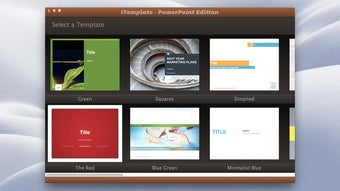
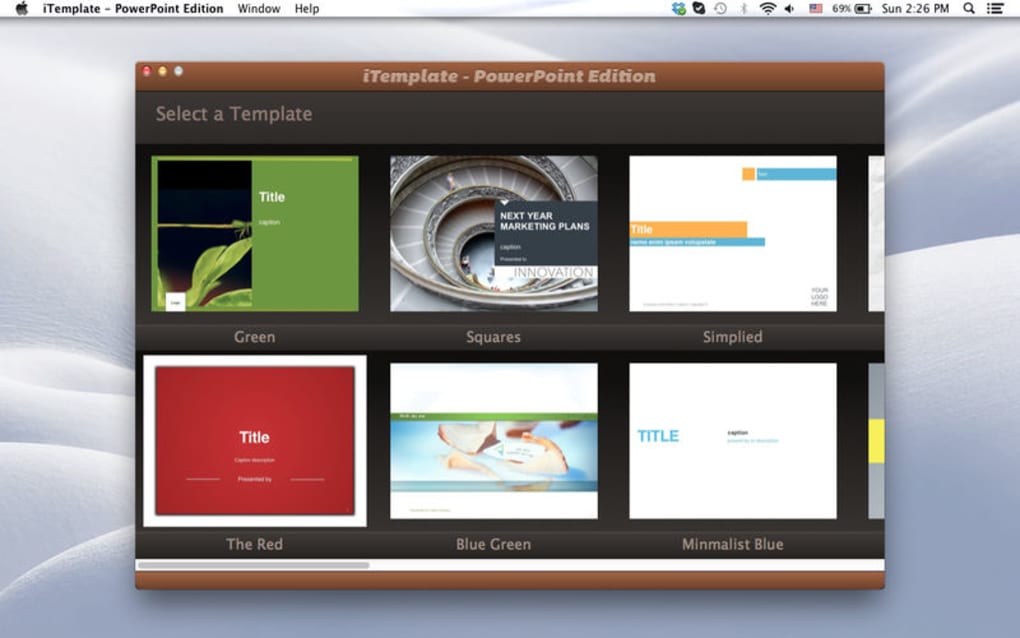
iTemplate – PowerPoint Edition is a purpose‑built add‑on that expands the native capabilities of Microsoft PowerPoint. Designed for business professionals, educators, marketers, and anyone who needs to create polished slides quickly, iTemplate delivers 20 fully‑crafted themes, each containing 20‑40 master slides. Every master slide is pre‑arranged with thoughtful placeholders for text, images, charts, and icons, allowing you to focus on content rather than layout.
The themes are built from scratch, meaning no recycled stock designs—each one follows a modern visual language that balances color, typography, and whitespace. With iTemplate you can instantly apply a cohesive style, then fine‑tune colors, fonts, bullet points, and photo frames to match your brand guidelines. The tool works as a seamless supplement to the existing PowerPoint software package, so there is no steep learning curve; you simply open PowerPoint, select an iTemplate theme, and start editing.
Whether you’re preparing a sales pitch, a training module, or a conference keynote, iTemplate helps you deliver a professional look in a fraction of the time it would take to design slides from scratch.
Key Features
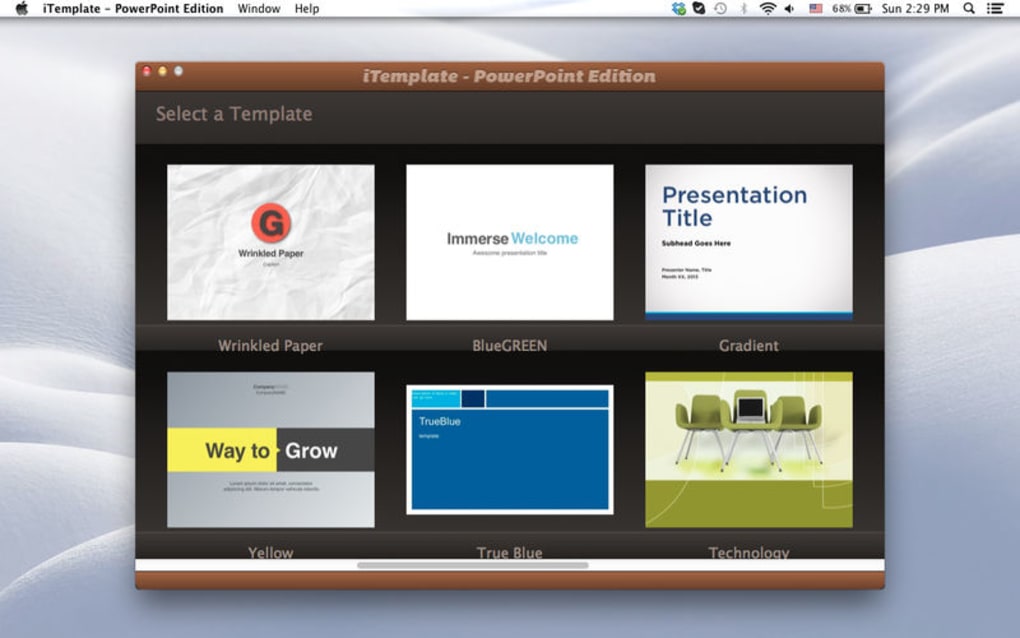
- Twenty Distinct Themes: Each theme offers a unique color palette and visual style, ranging from bold corporate looks to sleek minimalistic designs.
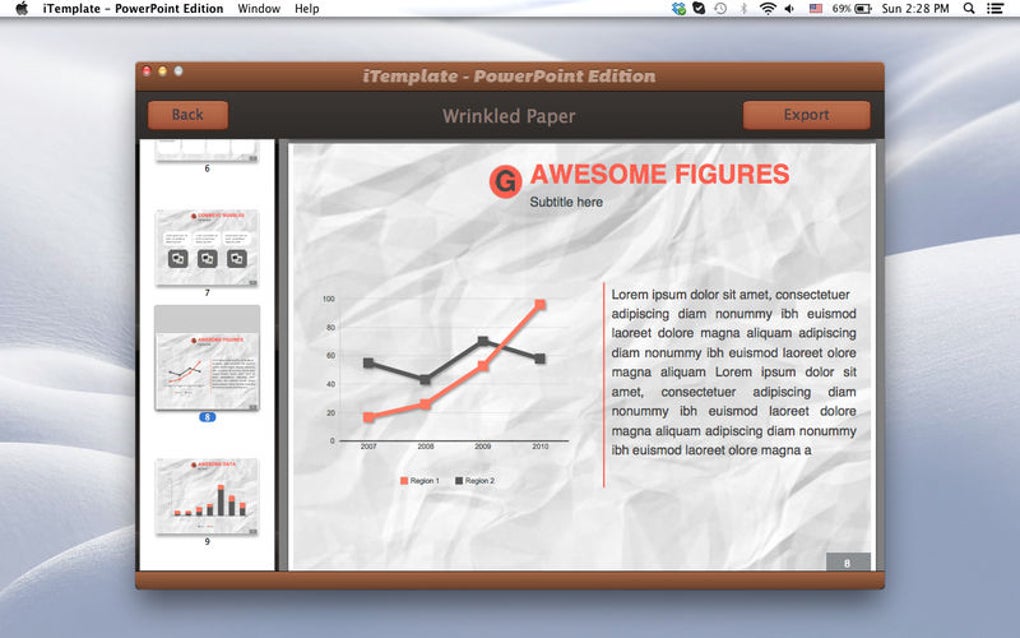
- 20‑40 Master Slides per Theme: Hundreds of ready‑made layouts cover title slides, section dividers, data‑driven charts, image galleries, and more.
- Full Customisation: Change text, fonts, colors, bullet styles, and photo frames without breaking the underlying design grid.
- Built‑in Graphic Suggestions: Every slide includes placeholder recommendations that guide you toward the most effective visual hierarchy.
- Seamless PowerPoint Integration: iTemplate installs as a regular PowerPoint add‑in, meaning you never leave the familiar Office environment.
- High‑Resolution Assets: All icons, shapes, and background images are vector‑based, ensuring crisp display on any screen size.
- Regular Free Updates: New slide variations and minor theme tweaks are delivered automatically via the built‑in updater.
- Cross‑Platform Support: Works with both Windows and macOS versions of PowerPoint, including the latest Office 365 releases.
Installation, Usage & Compatibility
Step‑by‑Step Installation
Downloading iTemplate is straightforward. Visit the official website, click the “Download Free” button, and save the installer file (iTemplateSetup.exe for Windows or iTemplate.pkg for macOS). Run the installer and follow the on‑screen prompts: accept the license agreement, choose the default installation folder, and allow the installer to register the add‑in with PowerPoint. The process typically takes less than two minutes. After the installation finishes, launch PowerPoint; you’ll notice a new “iTemplate” tab on the ribbon, confirming the add‑in is active.
How to Use iTemplate Effectively
When you open a new presentation, click the iTemplate tab and select “Choose Theme.” A gallery of the twenty themes appears; hover over each thumbnail to preview its slide set. Once you pick a theme, the first master slide is inserted automatically. From there, navigate the “Slide Layout” dropdown to pick a specific layout that matches your content type—title, two‑column, image‑heavy, or data‑chart.
Replace placeholder text with your own copy, drag‑and‑drop images into the photo frames, and adjust colors via the “Theme Colors” panel. Because each layout is built on a locked grid, any changes you make stay aligned, preserving the professional look. If you need to add new slides, simply click “New Slide” and select another master layout from the same theme; the design remains consistent throughout the deck.
System Requirements (Operating System)
iTemplate is compatible with Microsoft PowerPoint 2016, 2019, and Microsoft 365 on both Windows 10/11 (64‑bit) and macOS 10.15 (Catalina) or later. The add‑in also works with the online PowerPoint Web App, though some advanced customisation features (like vector‑based icons) are best experienced in the desktop version. Minimum hardware requirements include a dual‑core processor, 4 GB RAM, and 200 MB of free disk space for the installation files.
Pros & Cons
Advantages
- Fast‑track slide creation – hundreds of layouts ready out‑of‑the‑box.
- Highly customisable without breaking design integrity.
- Professional, modern aesthetics suitable for any industry.
- Seamless integration with existing PowerPoint workflows.
- Free to download with regular updates that add new slide variations.
- Cross‑platform support for both Windows and macOS.
Drawbacks
- Limited to 20 core themes – users needing a broader visual library may look for additional packs.
- Advanced customisation (e.g., custom animations) still requires manual effort.
- No native iOS/Android app – only works within desktop PowerPoint.
- Some corporate IT policies may block the add‑in installation on locked machines.
Overall Rating: 4.5/5 – iTemplate delivers a solid mix of ready‑made design and flexibility, making it a top choice for anyone who wants to produce high‑quality PowerPoint decks without hiring a designer.
Frequently Asked Questions
Is iTemplate really free?
Yes, iTemplate can be downloaded and used at no cost. The free version includes all 20 themes and unlimited access to the master slides. Optional premium packs are available for users who want additional specialized themes.
Can I use iTemplate with the PowerPoint online version?
The core theme library works in PowerPoint Online, but some advanced features—such as vector‑based icon editing and the automatic updater—require the desktop application.
How often are updates released?
Updates are released monthly. They include new slide variations, minor bug fixes, and compatibility tweaks for the latest Office releases.
Do I need an internet connection after installation?
No. Once iTemplate is installed, all themes and master slides are stored locally, so you can create presentations offline. An internet connection is only required for checking updates.
Is there a support channel if I encounter issues?
Yes. The developer provides a dedicated support email and a community forum where users can share tips, request new themes, and report bugs. Response time is typically within 24‑48 hours.
Conclusion & Call to Action
iTemplate bridges the gap between design expertise and everyday presentation needs. By offering a robust library of professionally crafted themes and an intuitive workflow that lives inside PowerPoint, it saves time, improves visual consistency, and helps users convey their ideas with confidence. Whether you’re a sales professional preparing a pitch, a teacher building a lesson, or a marketer crafting a product launch deck, iTemplate provides the visual foundation you need—without the expense of hiring a designer. Ready to elevate your slides? Download iTemplate now and start creating stunning presentations today.







